User Guide English

User Guide English


Getting Started:

As a user, in the dashboard section, you can find the courses in the Assigned Modules section. It shows the available courses that have not been completed after completing the course. It will be in the Completed Modules section. You can start the course by clicking on the get started button; it will view the course page.


Modules page

Please note the following:
  1. You must complete the first activity to take the quiz.
  2. When the activity is complete, the checkbox will be marked.
  3. In each course, you must complete the first activity and get 60% on the quiz in order to get the certificate and complete the course.


Taking the quiz:

When you finish the first activity, you will be able to take the quiz.


Select the Quiz, then click Attempt quiz now.


Click Finish attempt when you answer all the questions. 


Finally, click submit all and finish.


Note: You can retake the quiz. 


Getting the certificate:

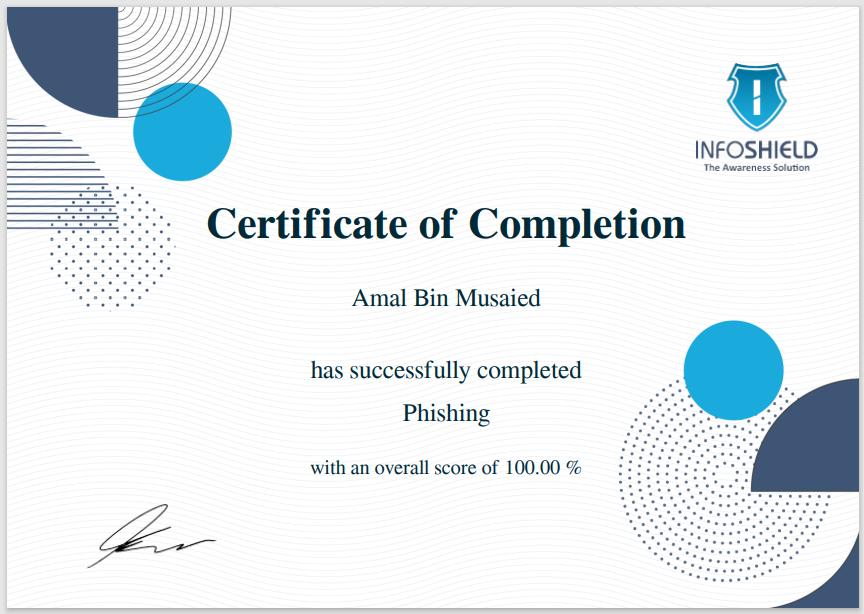
If you pass the quiz, you will be able to access your certificate. From the course, select the certificate, then click Get Your Certificate. You will receive an email with a copy of the certificate.


View the grades:

  1. You can check your grades from the grades section in the course left menu.
  2. To see all grades for all modules
  3. The grade for the current modules 


Completed Modules:

After completing a course. You will find it in the Completed modules in the dashboard.


© 2024 Cerebra All Copyrights Reserved
    • Related Articles

    • Reports Guide

      Introduction InfoShield provides a comprehensive set of reports that would help in making decisions regarding the needed level of cybersecurity awareness in your company. The reports are accessible only by the company manager. Currently, the ...
    • Nssm Deployment Guide

      Nssm Install This document is a guide for the installation nssm services that make start the service when the server is restart. 1- Search for (CMD): 2- Paste the path on (CMD): 3-Write nssm install: 4-Choose this: 5-Choose httpd: 6- Write the ...
    • Site Administrator guide

      Recreate stored certificate Dashboard -> Site Administrator -> Recreate stored certificates Certificates re-create enable you to re-create the certificate for company. If the certificate is cached. Make sure to pick the company name Language ...
    • Infoshield ADFS ( SAML) Integration Guide

      Cover letter This guide for integrating auth of ADFS Active Directory users to Infoshield. This document outlines the steps and considerations for a seamless integration process. Note : This integration only initiates authentication and doesn't ...
    • Azure Sync company User (Sync by specified company)

      -Now as admin you can run the sync to import or update the company users for specified company. -From users --> Go to Azure Sync company User. -Select which company you want to run the sync for -Then click on Run User Sync Now